Meta Ads Step by Step Guide 2026, When it comes to the various techniques in digital marketing, Meta Ads wins the competition. It gives companies the opportunity to target any audience through various platforms such as Facebook, Instagram, Messenger, and Meta Audience Network. The article will provide detailed instructions about the process of creating an ad, from creating an account to launching the first campaign.
At the end of the article, the reader will be able to understand how Meta Ads Manager works and which steps should be taken to create successful campaigns, irrespective of if the user has ever created any ads before.
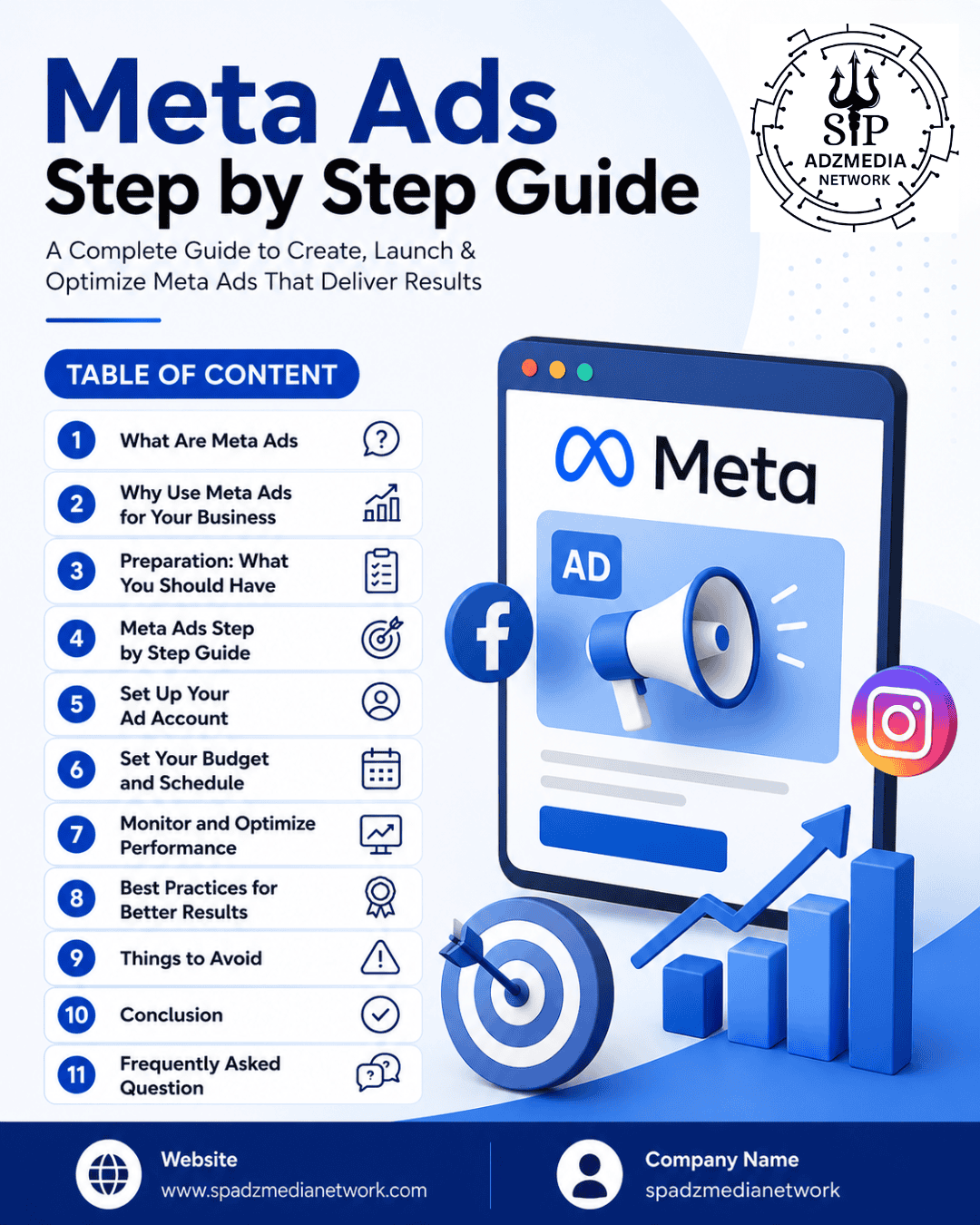
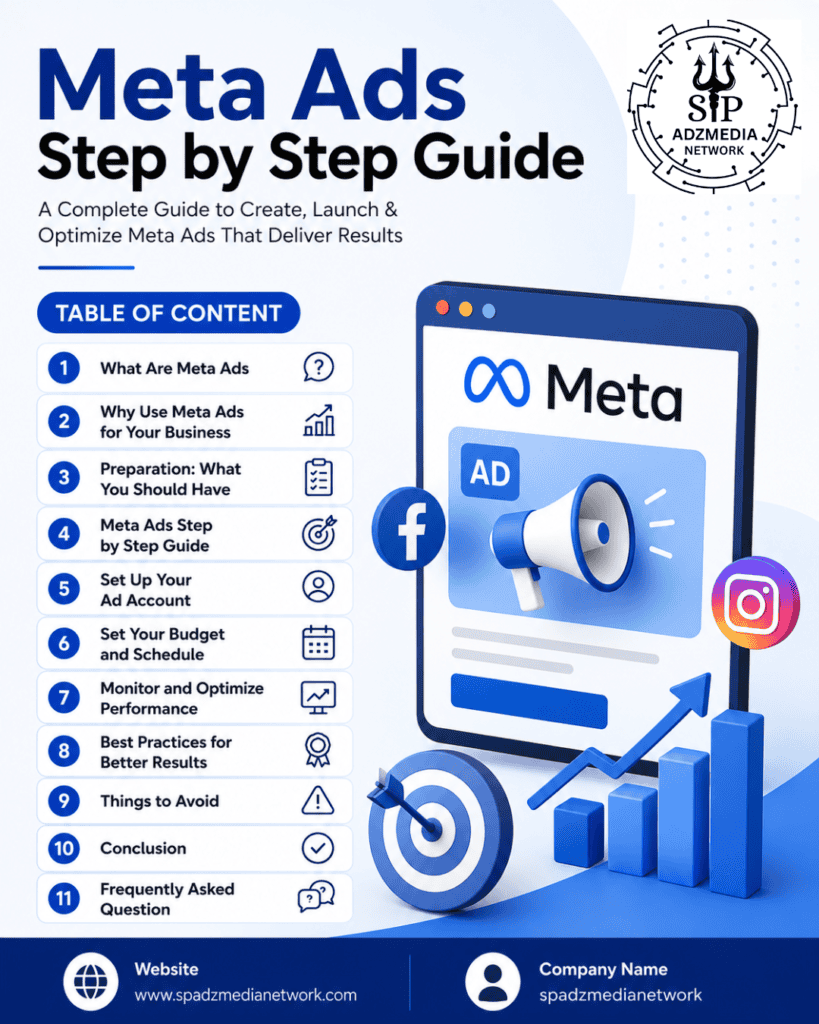
Table of Contents
1. What Are Meta Ads
Meta Ads encompasses advertisements that have been developed by Meta Ads Manager. The advertisements can be seen on different Meta platforms. Furthermore, it allows companies to advertise their products, services, or anything else of interest to them and reach target audiences based on demographics.
2. Why Use Meta Ads for Your Business
Meta Ads remain one of the most cost-effective advertising channels because of their massive user base and advanced targeting capabilities. Businesses use Meta Ads to:
Target audiences precisely with demographic targeting and targeting based on interests
Generate more traffic to your site, increase number of leads, and make more online sales
Enhance your brand visibility with the help of visually appealing advertisement formats.
Retarget the users who have visited your website and people who have bought from you before.
Effectively manage advertising campaigns by budgeting and changing the audience size.
3. Preparation: What You Should Have
Before you continue to follow this step by step guide on Meta Ads, it is important to ensure certain things.
- A Facebook Page for your business
- An Instagram Business account (recommended, though optional)
- A Meta Business Suite account
- A valid payment method for your ad account
- Ad creatives such as images, videos, or graphics, and clear campaign goals
4. Meta Ads Step by Step Guide
1.Create a Meta Business Suite Account
To set up a Meta Business account, visit business.facebook.com where you will be required to provide your company name and the name of your Facebook account and connect your Instagram account if you’re operating any. You can oversee ads, pages, and messages from this location.
2.Set Up Your Ad Account
Once you are in Meta Business Suite, move to Ads Manager to create a new ad account. Choose your currency, time zone, and business country carefully because once done, they can’t be changed.
3.Choose Campaign’s Objective
Setting goals is the initial step for creating a campaign with Meta Ads Manager. Goals can be creating awareness, bringing traffic, improving engagement, getting leads, advertising an application, or selling. The necessity of this stage is essential as their importance influences the ad construction process.
4.Know Your Audience
When creating a following on Meta, one has to consider important aspects like location of the audience, age, sex, nationality, likes and dislikes, and behavior patterns of the target audience.Moreover, it’s vital to look for custom audiences based on people who attended your site and your current customers, as well as lookalike audiences based on your best customers.
5.Select Ad Placements
Another option would be to allow Meta to choose the positioning of advertisements on Facebook, Instagram, Messenger, and the Audience Network or to take advantage of manual placement options and make this selection yourself.
6.Set Your Budget and Schedule
Choose between using a daily budget or a total budget, and select the dates when you want your campaign to begin and end. You should start with a limited budget and then increase it upon successful results coming in.
7.Design Your Ad Creative
Upload your pictures, movies, or carousel postings and come up with compelling advertisements that have headings, descriptions, and CTA. Ensure that your advertisement is suitable for placement because the advertisements shown in Instagram Stories and the Facebook people’s feed have different sizes.
8.Install the Meta Pixel
If your goal is to improve your site’s traffic, obtain leads or boost your sales, you need to use the Meta Pixel. It also helps to track the conversion rates and form retargeting audiences.
9.Review and Publish Your Campaign
Be sure to verify the objective, audience, budget, and creative before pressing the Publish button. Meta will examine your ad, which can happen between a few minutes to a day.
10.Monitor and Optimize Performance
Make sure to follow the KPIs that need to be monitored after the launch of your campaign, which are the click-through rate, cost per result, and ROI respectively. Depending on what The statistics suggest you should rethink certain parameters for your campaign targeting and possibly your ad copy and budget; however, the best is not to make too many adjustments at once as frequent changes can may inhibit the distribution algorithm utilized by Meta.
5. Best Practices for Better Results
- Before increasing your budget, ensure that you test several ad creatives and target groups.
- Invest in graphics of high quality; keep the writing on your images to a minimum.
- Create ad writing that appeals to your audience’s wishes.
- Give your campaigns at least 3 to 4 days before making any changes so that Meta can properly optimize delivery to your targets.
- To reduce ad fatigue, you need to be constantly changing your ad creative.
6. Things to Avoid
- Aiming for either an overly broad or an extremely narrow audience.
- Skipping the Meta Pixel setup, which limits tracking and optimization
- Getting the campaign objective wrong for your actual goal
- Making frequent edits to live campaigns, which resets the learning phase
- Ignoring mobile ad formats, even though most Meta users browse on mobile devices
Expert Advice: Wait for your new campaign to finish the learning phase (50 conversions or a few days) before making any assumptions about its outcomes.
7. Conclusion
This thorough guide about Meta Advertisement is all you need to have a successful first campaign, including everything from Business Suite and audience targeting to analyzing the performance of your ads. Meta Ads have the potential to reach every desired audience effectively thanks to their practicality and scalability. Therefore, businesses still have a chance to reach favorable results if they keep implementing optimization processes regardless of their dimensions.
8.Frequently Asked Question
1. What are Meta Ads?
Meta Ads refer to ads displayed within the social media platforms of Facebook, Instagram, Messenger, and the Audience Network of Meta, which can be designed and administered using the Meta Ads Manager.
2. What is the cost of operating Meta Ads?
Businesses can kick off their campaigns using Meta with a budget using hundreds of dollars or rupees on a daily basis.
3. Lastly, is a Facebook Page necessary for operating Meta Ads?
Actually, an individual must have a Facebook Page to run Meta Ads even if the adverts are created for Instagram.
4. What is Meta Business Suite?
Meta Business Suite is an easy to use platform that allows you to handle all of your Facebook Page’s information, the setup for your Instagram account, and your ad campaigns from one dashboard.
5. What is the difference between Ads Manager and Boosted Posts?
Advertisements Manager gives you the power to manage everything, from your ad goal to budget, while boosted posts give more practical options in marketing your business.
6. How do I choose the right campaign objective?
The goal of the ad campaign should be in line with the objectives you want to achieve. For example, you can have awareness with a goal of getting to many people, traffic as the target for getting the visitors to the site, engagement with the purpose of getting people to engage for communication, leads as the aim to get people sign up or sales as a purpose of conversions.
7. What is audience targeting in Meta Ads?
Advertisers may choose the personal characteristics of the audience watching their advertisements by means of audience targeting. The audience may include stakeholders with particular age, location, interests, habits, or any other attributes according to custom or lookalike customer profiles.
8. What is a Meta Pixel and why is it important?
The term “Meta Pixel” refers to specific programming on a site that shares data concerning the visitors’ behavior with those who advertise, thus providing information on conversions, allowing for audience type development, and optimization of advertisements.
9. How do I set a budget for Meta Ads?
You can set either a daily budget, which determines average spending on a daily basis, or a lifetime budget, which controls the total spend throughout the life of the campaign.
10. What ad formats does Meta support?
There are different types of advertising formats that Meta offers to the businesses for marketing their products and services. These formats consist of image ads, video ads, carousal ads, story ads, reel ads and collection ads.
11.What is the advertising approval time frame in case of a Meta advertisement?
Meta advertisements consist of various types of ads ranging from video advertisements, and ads in Stories, and ads-type collections to single image and carousel ads.
12. What is a lookalike audience in Meta Ads?
A look alike audience is the group of new users that Meta finds similar to an existing customer list or audience base with commonalities.
13. How do I know if my Meta Ads campaign is performing well?
Various analytics tools can be utilized to evaluate marketing performance via metrics such as Return on Ad Spend, Conversion Rate, Click-Through Rate, and Cost per Conversion as seen in Meta Ads Manager.
14. Can I run Meta Ads without a large budget?
Indeed, little entities can execute successful Meta Ads with limited finances by targeting niche audiences and experimenting a bit before increasing the budget.
15. How often should I optimize my Meta Ads campaigns?
It would be wise to analyze how the campaign is performing every few days so that one can reach decisions about its optimization on a weekly basis in order not to have significant changes which would interfere with Meta’s delivery.
Also Read :-Best SEO Services in Delhi by SP AdzMedia Network to Skyrocket Your Website’s Ranking
Best Digital Marketing Agencies in Delhi: SP AdzMedia Network Leads the WayBest Digital Marketing Agency In Delhi-SP AdzMedia NetworkTrends In Digital MarketingTop Start Up Companies in Delhi Backlink Creation Services in Delhi Explore our SEO services in Rohini Backlink Creation Services in Delhi AI SEO Optimization E-Commerce SEO 2025: The Ultimate Guide by SP AdzMedia Network SEO vs AEO vs GEO Latest Google Ads Strategy for 2026 Best Startup Ideas for Business in 2026 — The Ultimate Guide How to Start a Print-on-Demand T-Shirt Business in 2026 200+ Travel Blog Comment Sites 2026 Local SEO Services by SP AdzMedia Network Top AI Startup Ideas in India 2026 Local SEO Services by SP AdzMedia Network YouTube SEO in 2026 Ranking Your Website Without Backlinks in 2026 SEO vs PPC vs SMM Top 100+ Meta Ads Interview Questions 2026 Google Trends for Keyword Research Google Search Console
Our Social Media Handles: Instagram Linkedin X Pinterest Blogger YouTube
Leave a Reply